
Studio shortcuts
The keys a Studio board answers to, what its right-click menus hold, and the gestures that do the same on a phone.
On a Mac, press Cmd where this page says Ctrl. The keys of the board do not act while you type in a field, or while the Runs view covers the board.
On the board
| Key | What it does |
|---|---|
| / | Opens the search of everything you can add. |
| B | Adds a brief. |
| VandH | The select tool, and the hand tool, which moves the board when you drag. |
| Enter | Runs the selected cards. |
| CtrlZandCtrlShiftZ | Undo and redo. CtrlY also redoes. |
| CtrlD | Duplicates the selected cards. |
| CtrlA | Selects every card. |
| DeleteorBackspace | Removes the selected cards. |
| Shift1 | Fits the whole board in view. |
| ShiftT | Turns Auto layout on or off. |
| ShiftR | Switches between the board and its runs. |
| Esc | Closes what is open on the board, then clears the selection. |
With the mouse
| Do | To |
|---|---|
| Scroll | Move around the board. |
| Ctrl and scroll, or pinch on a trackpad | Zoom in and out. |
| Drag on the empty board | Select every card the box touches. |
| Shift and click | Add a card to the selection. |
| Double-click the empty board | Add a card right there. |
| Double-click a card's name, or the board's | Rename it. |
| Right-click | Open the menu of what is under the pointer: a card, a wire, the selection or the board. |
The menus
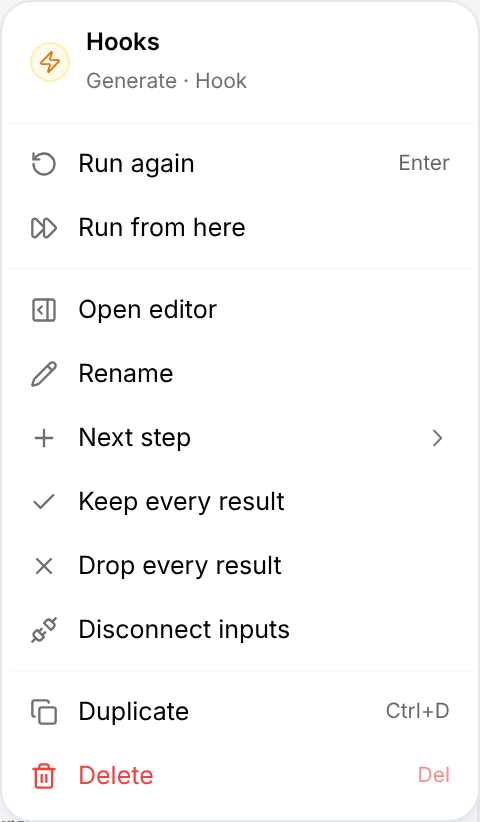
A card's menu holds what you can do to it: run it, open its editor, rename it, add its Next step, keep or drop all its results, disconnect its inputs, duplicate it and delete it. A wire's menu says which input it fills and offers Disconnect. The board's own menu, on an empty spot, holds Add here…, Brief here, Select all, Auto layout, Fit everything and the map.
In the run confirmation
| Key | What it does |
|---|---|
| Enter | Starts the run. |
| Esc | Cancels it. |
| UpandDown | Raise or lower the spending cap by a dollar, in its field. |
| ShiftUpandShiftDown | By ten dollars. |
In the Runs view
| Key | What it does |
|---|---|
| / | Puts you in the search. |
| UpandDown | Move through the runs. |
| ShiftR | Back to the board. |
On a phone
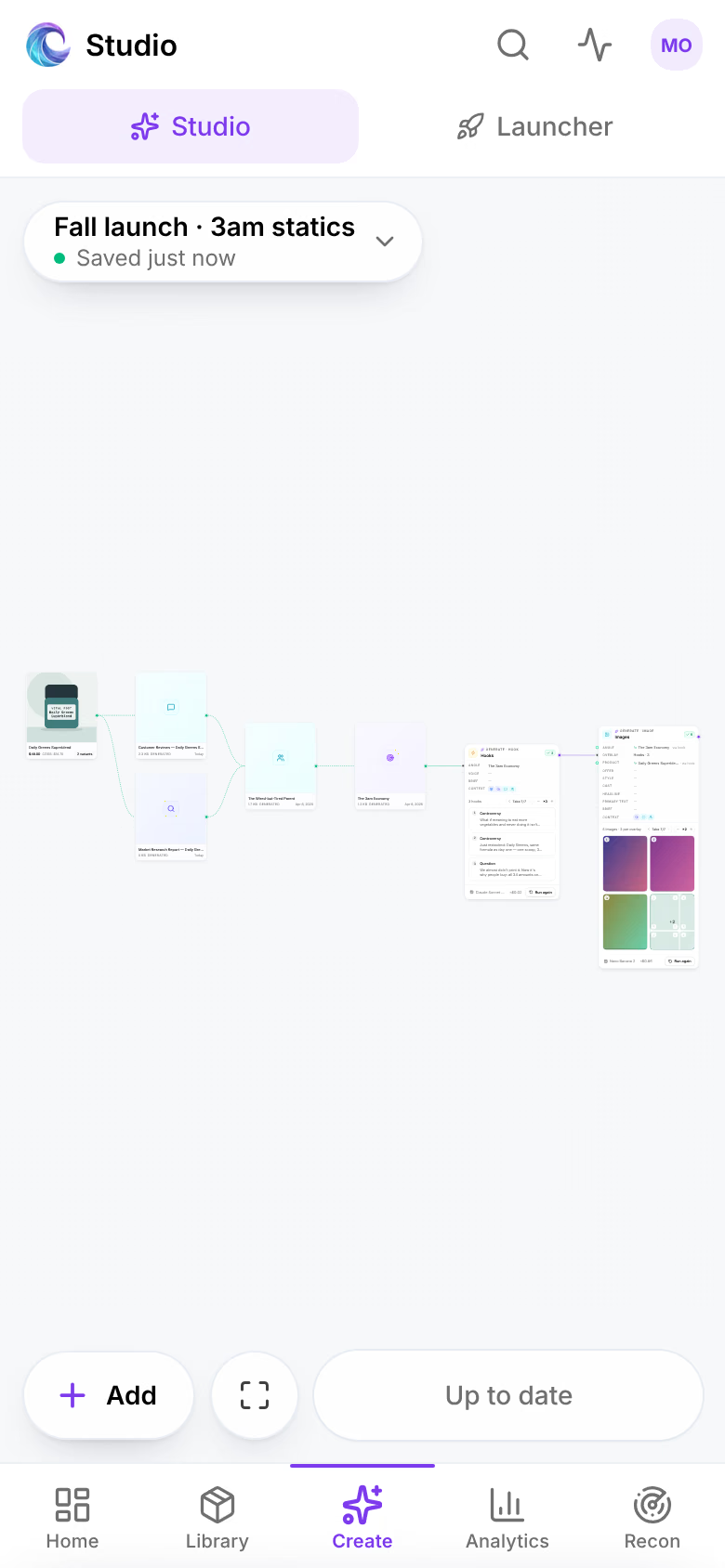
A board on a phone answers to touch, with its controls along the bottom: Add, fit, and the run bar, which reads Up to date when the board has nothing to run.
| Do | To |
|---|---|
| Tap a card | Open its editor, as a sheet you can pull up. |
| Hold a card, a wire or the board | Open its menu, as a sheet: the same as a right-click. |
| Drag with one finger | Move around the board. |
| Pinch | Zoom in and out. |
| Tap the board's name | Rename the board, turn Auto layout on or off, duplicate or delete it, open its runs, or switch to another board. |
Related
- Keyboard shortcutsEvery key Omnymous answers to, by where you are in the app: search, the Library, Omni, Studio, the page editor and the Launcher.
- Build a boardStart a Studio board from a starter flow or from nothing, put cards on it from Add or your Library, wire them together, and let Auto layout keep it in order.