
From product to live ad
Take one product from your catalogue to a live Meta ad in one sitting, with every piece recorded on the way.
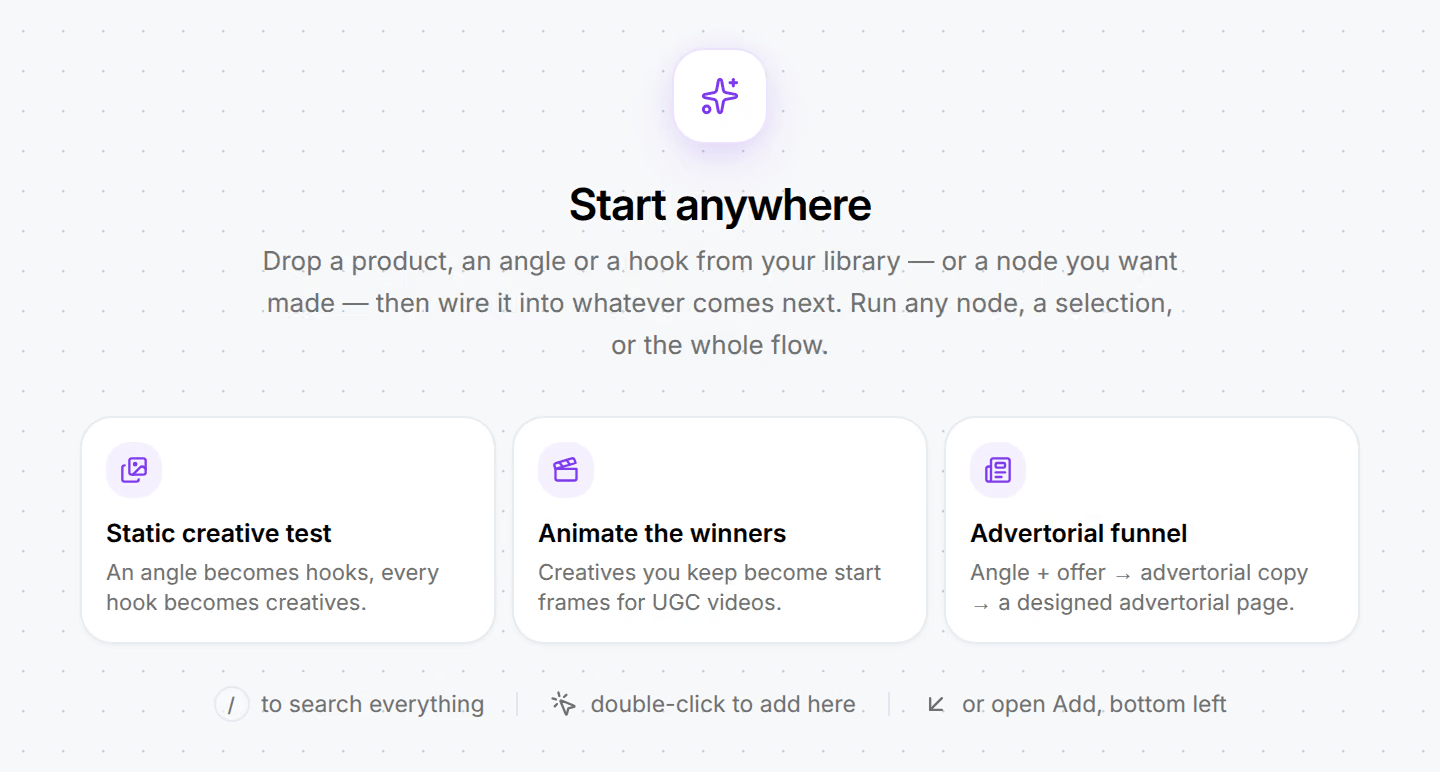
You will end with one live Meta campaign whose ads Omnymous can attribute by hook, angle and avatar. It needs a store that has finished setup and has Meta connected, and an owner, an admin or a member can follow it. An empty Studio board offers three ready-made flows; this playbook uses the first.
When to use this
Use it for a first campaign on a product, or whenever you want a clean test: a few hooks on one angle, each as its own ad. Because every ad is built from Library items, the result comes back in Analytics by hook, angle and avatar and not only by ad.
The route
Choose the product in the Library
Open Library, then Products and find the product. Check that it has at least one good image: image generation starts from it. If you changed the product in Shopify a moment ago, press Refresh.
Give the AI something to aim at
Open Library, then Variables. You need one customer avatar and one marketing angle for this product. Write them by hand if you know them, or generate them in the next step.
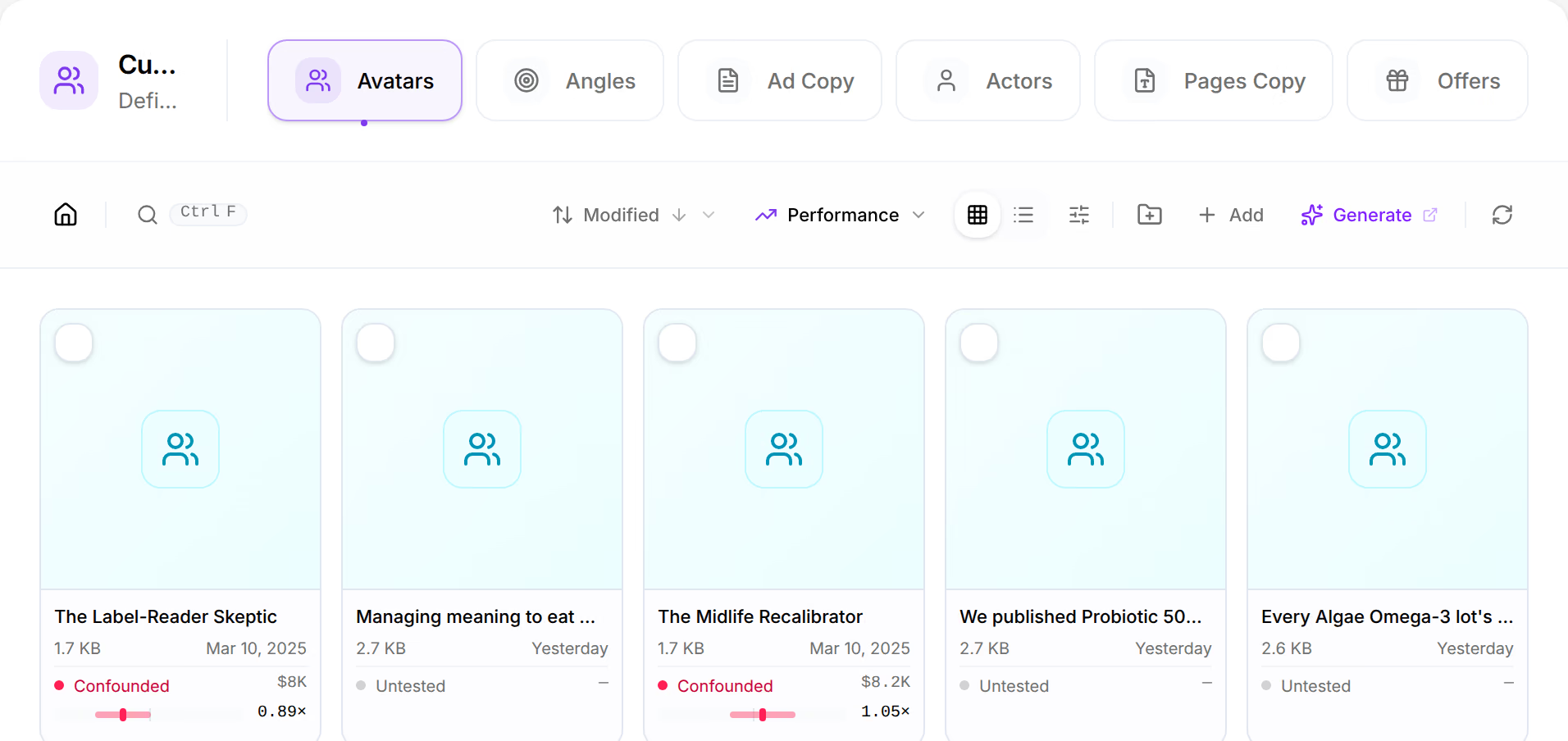
Library, Variables. One tab for each kind of piece, and Generate in the toolbar. Start a board from a flow
Open Generation, then Studio. On an empty board, choose Static creative test: an angle becomes hooks, and every hook becomes creatives. The flow lays out its cards. Use Add in the bottom-left corner to bring your product and your angle in from the Library, and wire them to the cards that need them.
Choose the models and run
Click each card and choose its AI model. A card waits until you do. Press Run all. Studio shows what will be made and roughly what it will cost before it starts. Runs, beside Canvas at the top of the board, keeps what every run made.
Open the Launcher and choose creatives
The results are in the Library. Open Generation, then Launcher and select the creatives to launch on the Creatives step.

The Launcher's four steps run across the top. Choose the page
On Pages, pick a landing page. Omnymous scores each creative and page pair for message match and funnel fit, and excludes a pair only when they contradict each other on product, angle or avatar.
Set the structure and the budget
On Structure, keep the default split for a first launch: product at campaign level, angle and avatar at ad-set level, hook and creative at ad level. Set the daily budget, the country, the Meta ad account and the Facebook Page.
Launch
The footer lists what is still missing in plain words, such as "Set a daily budget" or "Choose a Facebook Page". When the list is empty, go to Launch and watch the campaign, ad sets and ads appear as Meta accepts them.
Read the result
The campaign is live in Meta Ads Manager, and each ad in it carries its lineage in Omnymous.
Nothing shows in Analytics on the first day. Once there is spend and there are orders:
- Analytics, then Campaigns shows the campaign as Tracked.
- Analytics, then Creatives, then Lab starts to report by hook and by angle. Read the coverage figure before the ranking: early on it will be small.
Variations
- You already have creatives. Skip Studio. Upload them under Library, then Assets and start at the Launcher.
- You want video. Use the Animate the winners flow on creatives you kept: each becomes the start frame of a video.
- You want an advertorial in between. Use the Advertorial funnel flow to generate advertorial copy and a designed page, then choose that page in the Launcher.