
Answer a competitor's angle
Take a gap from your Niche Brief, bring the angle into your Library on one of your products, write your own version in Studio, and launch it.

You will end with your own answer to an argument several of your competitors run and you do not: the angle in your Library, tied to your product and marked with where it came from, hooks and images written in your voice, and a test live on Meta.
When to use it
When the brief's Gaps found has plays in it, after a new brand joins your arena, or when you are short of angles. It takes an hour or so, most of it waiting for images. You need brands mapped in your arena (see Briefs), your AI keys, Meta connected, and the role of owner, admin or member.
The route
Pick a gap
Open Reconnaissance, then Briefs. The Gap report lists the plays several brands run and nothing in your Library answers, the most widely run first. Choose one that fits a product you sell.
Read it before you take it
Press the row. The panel shows what the play argues, why you are seeing it (the product of yours it sells against), Your ground (your nearest item, and how close it comes) and the competitors' ads behind it. Make sure it is an argument you can make honestly for your product.
Import it
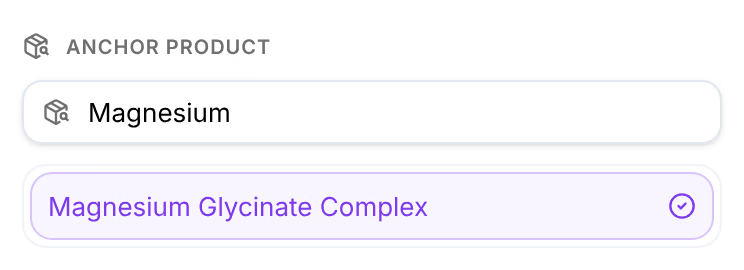
Press Import at the foot of the panel. Under Anchor product, choose the product it is for, press Preview import to see what will be created, then Import.
Generate from it
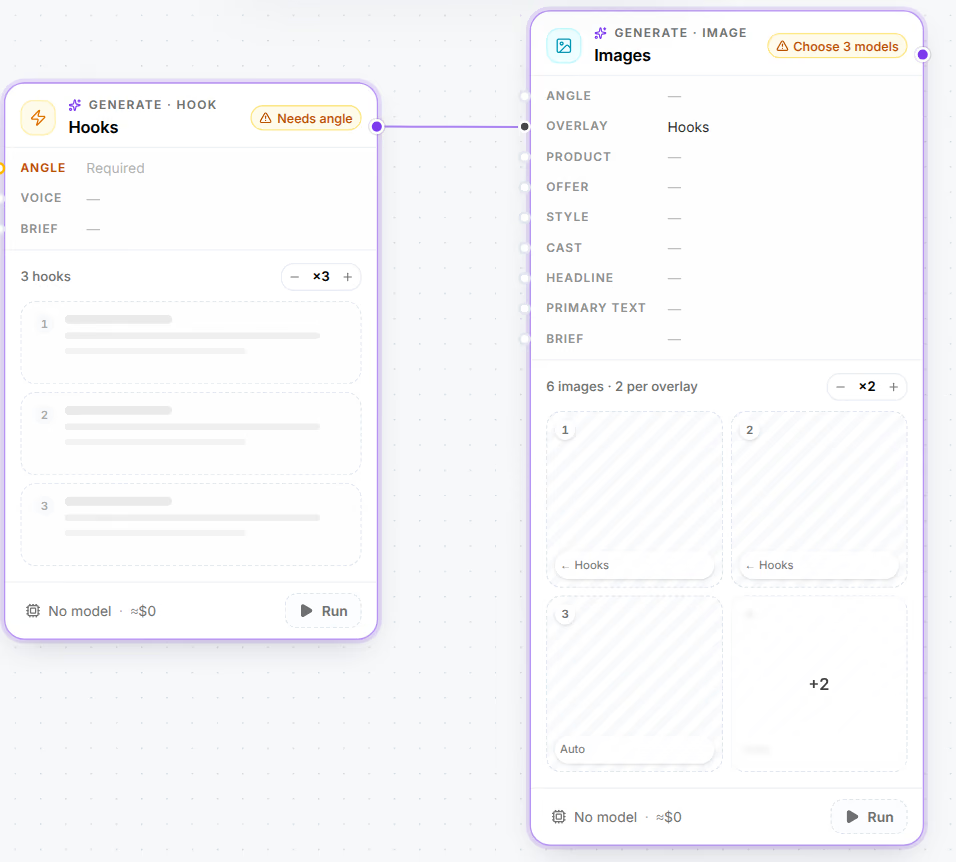
Press Generate from these. Studio opens on the next step: hooks for the angle. Wire them into images as a Static creative test does, choose a model on each card, and press Run all. The hooks are written for your product and your voice, not copied from the ads.
Launch the test
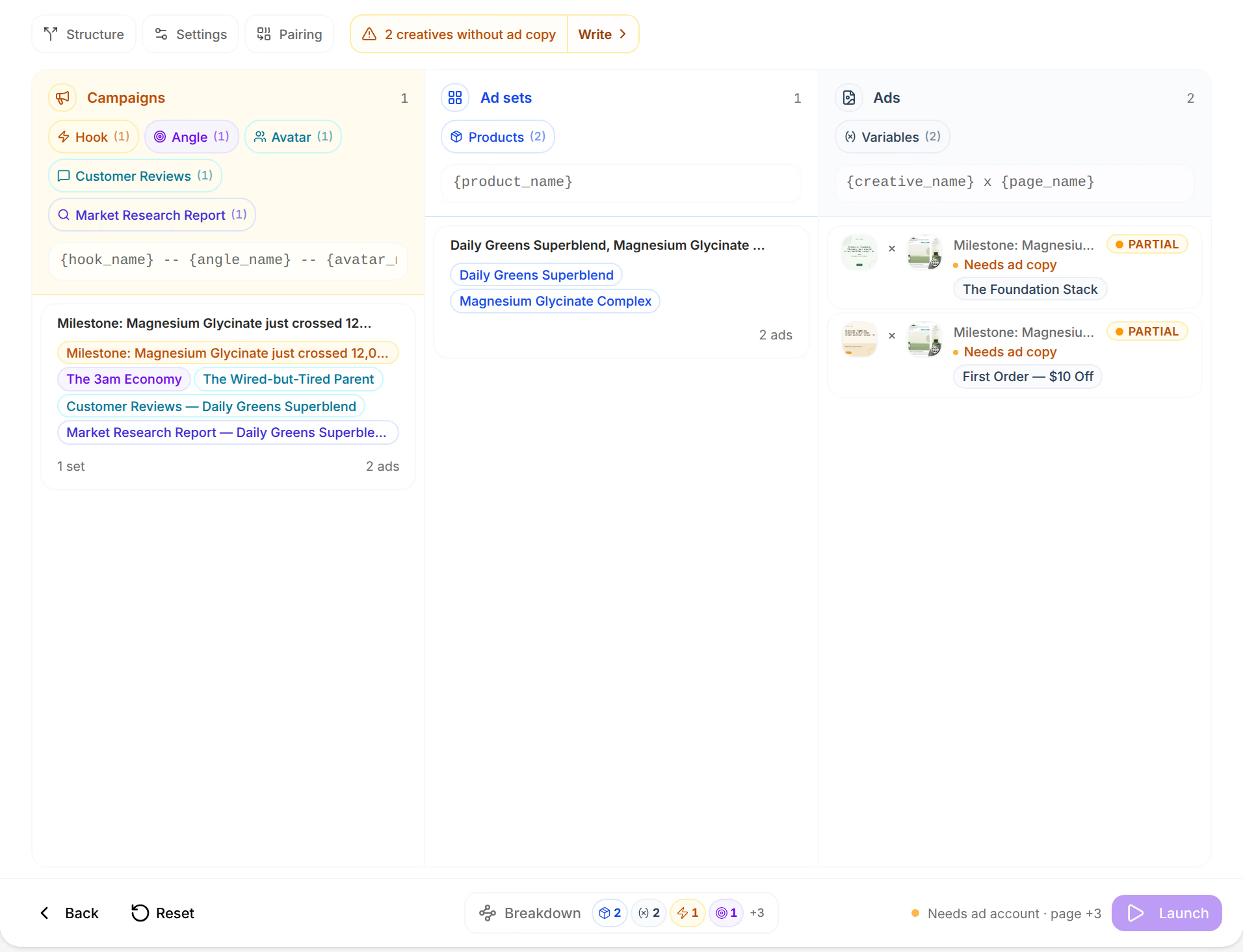
In the Launcher, tick the new creatives and the page they lead to, check that the campaign is split by angle on Structure, set the account and the budget, and press Launch.

Read the result
Your Library now answers the play, so the brief rebuilds: the play leaves the gap report and Answered counts it. Once the ads have spent, the Attribution Lab measures the new angle against your others, at the Intent stage.
Variations
- Save it first. Press Swipe instead of Import to keep the play for later, and compare a few in Swipe before you choose. See Save what you find.
- A hook or an offer. The same route works for any piece: a hook goes straight to images, an offer to page copy.
- A wider arena. Track more brands from the Roster's Selling what you sell, and the next brief has more to measure.
Related
- What Reconnaissance readsReconnaissance reads the ads other brands run on Meta, finds the ones selling what you sell, and breaks them into the pieces your Library holds.
- BriefsBriefs measures what your competitors run against what you already have, gaps first, and keeps the roster of brands you track and the ones you could.
- Save what you findSwipe the angles, hooks, avatars and offers you find in Briefs and Explore, import them into your Library tied to one of your products, and hand them to Studio.